AI Agent · Case Study
I built an autonomous video editing pipeline in a day
By Abhishek Bajpai
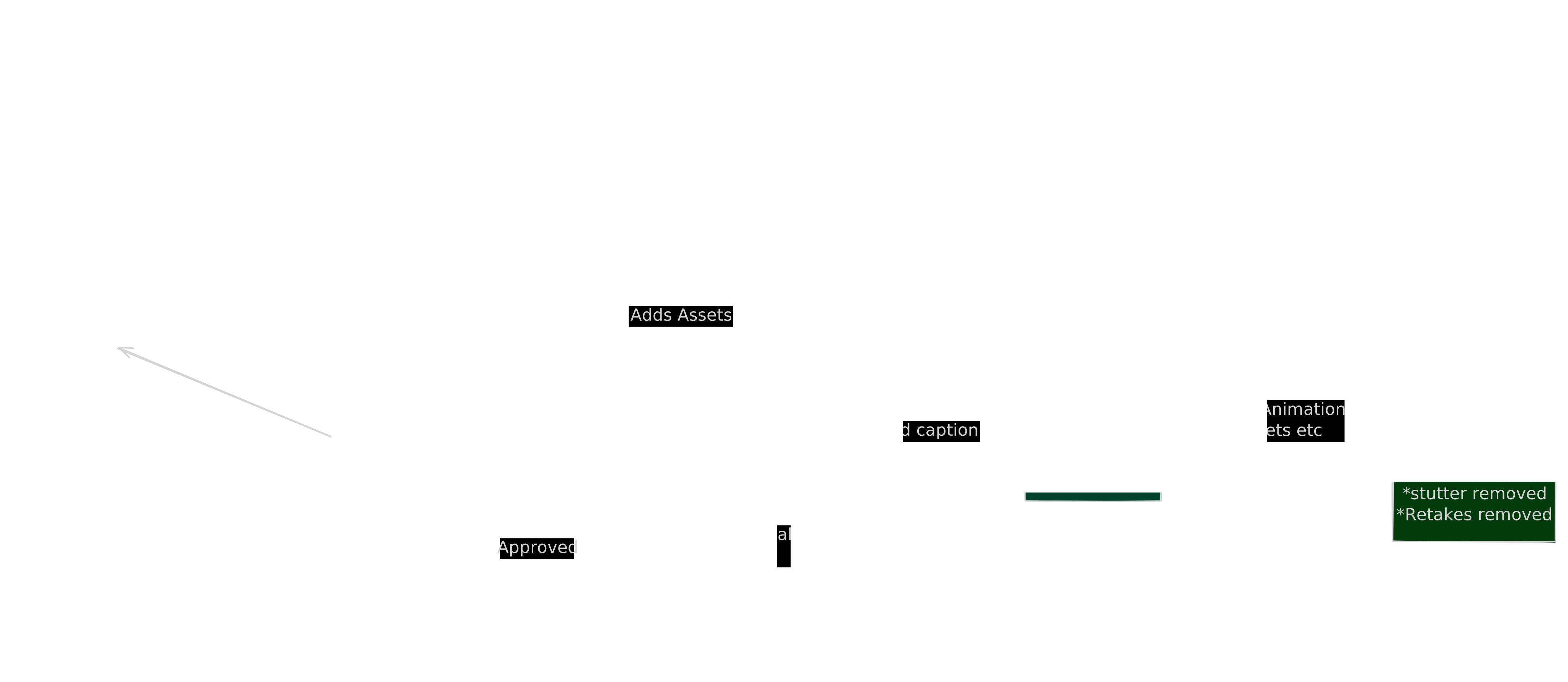
You record a 60-second video. A pipeline takes that recording, cuts the silences, strips your retakes, plans a timeline, drops in B-roll, animates motion graphics, burns captions, and posts to Instagram. You approve three things over Telegram: the script, the take, and the final cut. Everything else runs without you.
This is what I built at this hackathon, what's inside it, what broke during the build, and why I deliberately kept a human in three places where I could have automated them away.
Status:Built in one day, fully functional on a local machine. Not yet in production — this is the demo build. The architecture is designed to run continuously, and the publish + analytics steps are wired and ready; I just haven't flipped the switch on daily posting yet.
Why I built this
Short-form video is the fastest way to build a personal brand right now, and it's also the most expensive thing on a creator's calendar. The recording itself takes ten minutes. Editing a single Reel takes two to four hours: cutting filler words, finding B-roll, designing motion graphics, syncing captions, and exporting. Most creators give up on day six.
I want to post daily without it eating my life. Tools like Opus Clip and Vidyo.ai do one slice of this. CapCut still needs a human at the timeline. Nobody I found had stitched the full loop together: research → script → record → edit → publish → analytics. So I built it in a day to see if it was possible.
The goal was specific: a system where the only thing I do is speak into my phone for a minute and tap “approve” twice on Telegram.
What's actually in it
The pipeline lives in main.py and runs forever, one cycle per posting slot. Each cycle does this:
| Step | What happens | Model? |
|---|---|---|
| 1. Topic discovery | HackerNews Algolia API + tldr.tech. Top 50 stories, Sonnet 4.6 picks the best one. | Yes |
| 2. Deep research | Playwright scrolls the source article, dedupes images by SHA-256. Outputs research.md + 5-15 images. | No |
| 3. Script writing | Llama-4-Scout on Groq: 60-second script with hook, three beats, callback. Writes asset_plan.md. | Yes |
| 4. Telegram approval #1 | Script lands in chat. Tap approve or reply with edits. | — |
| 5. Record | You record a 60-second video and upload it to the bot. | — |
| 6. Silence cut (v1 → v2) | FFmpeg silencedetect strips dead air > 400ms. | No |
| 7. Word-level transcription | Groq Whisper large-v3 returns every word with start/end timestamps. | No |
| 8. Retake removal (v2 → v3) | difflib.SequenceMatcher aligns transcript vs. script. Only the best take per sentence survives. | No |
| 9. Timeline planning | Sonnet 4.6 reads cleaned transcript + asset plan. Emits JSON: B-roll timestamps, motion graphics scenes, SFX. | Yes |
| 10. Render (v3 → v5) | Remotion 4.0.443 in Node renders 1080×1920 MP4 with hardcoded captions. 1227 frames @ 30fps, 4× concurrency. | No |
| 11. Telegram approval #2 | Bot sends the rendered video. Auto-compresses if > 45MB. | — |
| 12. Publish | Facebook Graph API posts to Instagram. Slug, post ID, timestamp logged. | No |
| 13. Analytics (36h later) | Scrapes views, likes, comments. Saved next to metadata for topic picker feedback. | No |
Architecture, in one paragraph
v1 is the raw recording. v2 is silence-removed. v3 is script-aligned — retakes and stutters gone. v4 exists only as a JSON timeline in memory. v5 is the final rendered file with everything baked in.
The orchestrator is Python 3.11. The renderer is Remotion (React running in headless Chrome). Models talk to me through Telegram. There are two parallel Remotion projects in the repo: one for headless rendering, one for the Studio preview — the studio's hot-reload model fights with the renderer's content-hash model and you can't share a single root component between them without breaking one. I found that out the hard way during this build.
Efficiency, with numbers
Manual editing of a 60-second Reel: 2–4 hours. This pipeline: roughly 90 seconds across the three approval taps. Wall-clock time from “I hit upload” to “the render is done” is about 8–12 minutes on my laptop, dominated by the Remotion render (1227 frames at 30fps takes 4–6 minutes with 4-way concurrency, longer without).
| Line item | Cost per video |
|---|---|
| Groq Whisper large-v3 transcription (~$0.04/min audio) | ~$0.04 |
| Groq Llama-4-Scout for script writing | ~$0.001 |
| Sonnet 4.6 for topic pick + timeline plan (GitHub Copilot OAuth) | $0.00 |
| Render | electricity |
| Total marginal cost | < $0.05 |
A real human editor on Fiverr starts at $15 for the same output and takes 24 hours. I route Sonnet calls through the GitHub Copilot OAuth flow — same trick as the carousel pipeline — so Claude is effectively free while I'm a Copilot user.
What broke, and what I learned
I'm going to keep this honest because that's the part of writing like this I actually want to read in someone else's blog.
Filenames with spaces broke Remotion's static server. Motion background filenames came from YouTube downloads — names like Blue & Black Topographic Animated Background #freedownload.mp4. Remotion's dev server URL-encoded the spaces but the renderer's content hasher didn't, so the render would fail at 60% with a silent 404. Fix: a _sanitize_filename() pass that copies everything into video/remotion/public/_universal/ with underscores.
4K motion backgrounds OOM'd Chrome. A 2160×3840 background ate 6GB of RAM at frame ~700 and Chrome died. Fix: pre-downscale every background to 1080×1920 with ffmpeg before the render starts.
Videos without faststart hung the seek. Remotion seeks to arbitrary timestamps. If the moov atom is at the end of the file, Chrome blocks waiting for it and the render times out. Fix: ffmpeg -c copy -movflags +faststart on every input.
Telegram silently truncated long messages. When the script contained underscores or asterisks, Telegram's Markdown parser treated them as formatting and the message either failed entirely or rendered with half the text bold. Fix: send the script body as plain text with no parse mode, and escape user-facing strings with a tiny _esc() helper.
Telegram timed out on 47MB videos. The default python-telegram-bot timeout is ~30 seconds for media uploads. Fix: bump media_write_timeout to 600 seconds and auto-recompress anything over 45MB before upload.
Headless Chromium has no emoji font. This one cost me a full afternoon. BentoGrid cells had an emoji icon next to a stat. In Studio they looked great. In the rendered output the emojis were blank rectangles — justifyContent: space-between was pushing the value and label to opposite ends with nothing between them. Fix: throw out the emoji entirely and use a colored top border on each cell instead. The lesson: Studio is not the render. They are different browsers with different fonts and you have to render for real before trusting anything visual.
/tmp filled up. Remotion bundles webpack into /tmp and doesn't clean up after a crash. After six broken runs I had 2.4GB of stale bundles and the next render died with ENOSPC mid-frame. Fix: rm -rf /tmp/remotion-webpack-bundle-* between runs and a concurrency: 4 cap.
Sonnet outputs JSON with null where I expected numbers. The timeline planner sometimes emits timestamp_hint: null for an asset. The first version of my code crashed on null * fps. Now I drop any asset without a valid hint and log a warning.
None of these are interesting individually. Together they were 80% of the engineering work. The happy path — one video through the whole pipeline successfully — took a few hours. Chasing down the edge cases took the rest of the day.
The HeyGen + ElevenLabs question
The first question I got during the build: “Why is a human recording at all? Just generate an avatar with HeyGen and clone your voice with ElevenLabs.”
They're right that it would work. HeyGen will take a 2-minute training clip and produce indistinguishable avatars reading any script. ElevenLabs voice clones are at the point where my own mother couldn't tell.
I don't do it for two reasons. First, the money. HeyGen's API tier that allows programmatic avatar generation starts at $89/month. ElevenLabs is cheaper but still meaningful at scale. I'm building this on $0/month of paid SaaS.
Second, the human touch. Avatars are uncanny and audiences notice. The accounts growing fastest right now are the ones where you can tell a real person sat down in front of a real camera. The micro-expressions, the breath, the slightly wrong eyeline when you glance at notes — those are signals that “this person actually believes what they're saying.” An avatar reading a Sonnet-written script is a hall of mirrors. It might get views, but it won't compound trust over time. So the system is built around the constraint that a human records the take. If you have HeyGen money and don't care about the trust thing, swap step 5 for an API call. The architecture supports it.
Business potential
Where the numbers work:
- —A creator who outsources editing pays $300–$1,500/month. This pipeline replaces that for roughly $5/month of compute.
- —One machine could run 50 creator accounts. The only bottleneck is the human approval tap, which takes 30 seconds per video.
- —The same pipeline applies to B2B short-form — LinkedIn product clips, founder updates, internal demos — where volume is higher and editing is more repetitive.
Where I'd be guessing:
- —Distribution. Editing isn't the hard part of building an audience; getting watched is. This removes the production tax, but it doesn't solve discovery.
- —Niche fit. The research module is tuned for tech news. Plugging in a different niche means rewriting the scraper and rethinking the asset plan prompt.
- —Defensibility. Another dev with a weekend could rebuild this. The moat, if there is one, is in the prompt tuning, the curated asset library, and eventually the analytics feedback loop that trains future topic picks.
If this became a product, I'd sell it as a managed service, not a self-hosted tool. A creator does not want to debug FFmpeg flags or chase stale webpack bundles in /tmp. They want to send a Telegram message and see their post go live an hour later. That's the pitch.
Run it yourself
The repo is set up to clone, install, and run. AGENTS.mdhas the full setup steps for a fresh machine. One thing to not skip: the GDrive step to download the motion background assets. Without those, the render fails at 60% with a 404 and the error message doesn't tell you why.
To test just the editing pipeline without the Telegram loop:
python -m video.pipeline path/to/raw_video.mp4 research_output/<slug>/This produces v2, v3, and v5 in Rendered_Videos/. It's the fastest way to see the full edit on your own recording without setting up the bot.
To run the full autonomous loop:
python main.pyThen talk to it on Telegram.
What would have saved me hours
- —A Remotion plugin that fails loudly when a
staticFile()URL has a space in it, instead of a silent 404 mid-render. - —A documented way to share a single root composition between Studio and the renderer. Right now you maintain two of everything.
- —A flag on
OffthreadVideothat says “loop if the source is shorter than the sequence.” The default hang-on-seek is a footgun. - —Anything written about what actually breaks when you wire a Remotion render into a real automated loop. Most docs stop at “and then
npx remotion renderproduces an mp4.” The interesting failures all come after that.
Built in one day. A lot of it works. Tell me what breaks when you run it.